
Handling Disputes
How to review, mediate, and resolve client-provider disputes.
Dispute queue
The Disputes tab shows all open, under review, and resolved disputes. Priority is given to high-value jobs and time-sensitive issues.
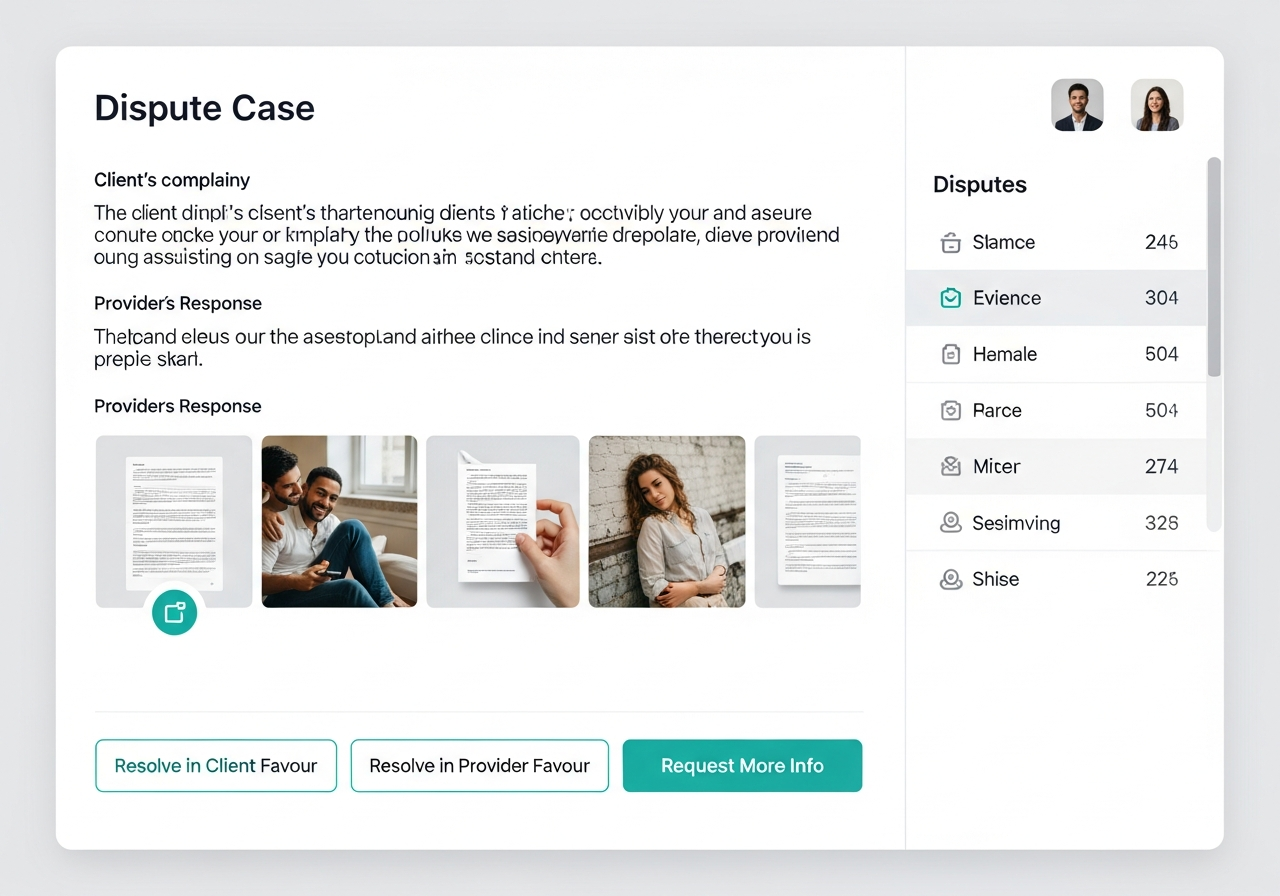
Reviewing a dispute
Open the dispute to see: the client's complaint, the provider's response, job photos, chat history, and payment status. Review all evidence before making a decision.
Tip: Always check the before/after photos and the in-app chat. These tell the real story.
Resolution options
You can: release full payment to provider (dismiss dispute), issue a full refund to client, issue a partial refund (split), or escalate for further investigation.
Communication
Both parties are automatically notified of the outcome via email. Include a brief explanation of your decision. Professional, fair handling builds platform trust.
Patterns to watch for
Track repeat disputants — both clients and providers. A user with multiple disputes may need to be warned or suspended. Use the performance dashboard to spot patterns.