Managing Users and Providers
How to view, edit, approve, and manage platform users.
Users dashboard
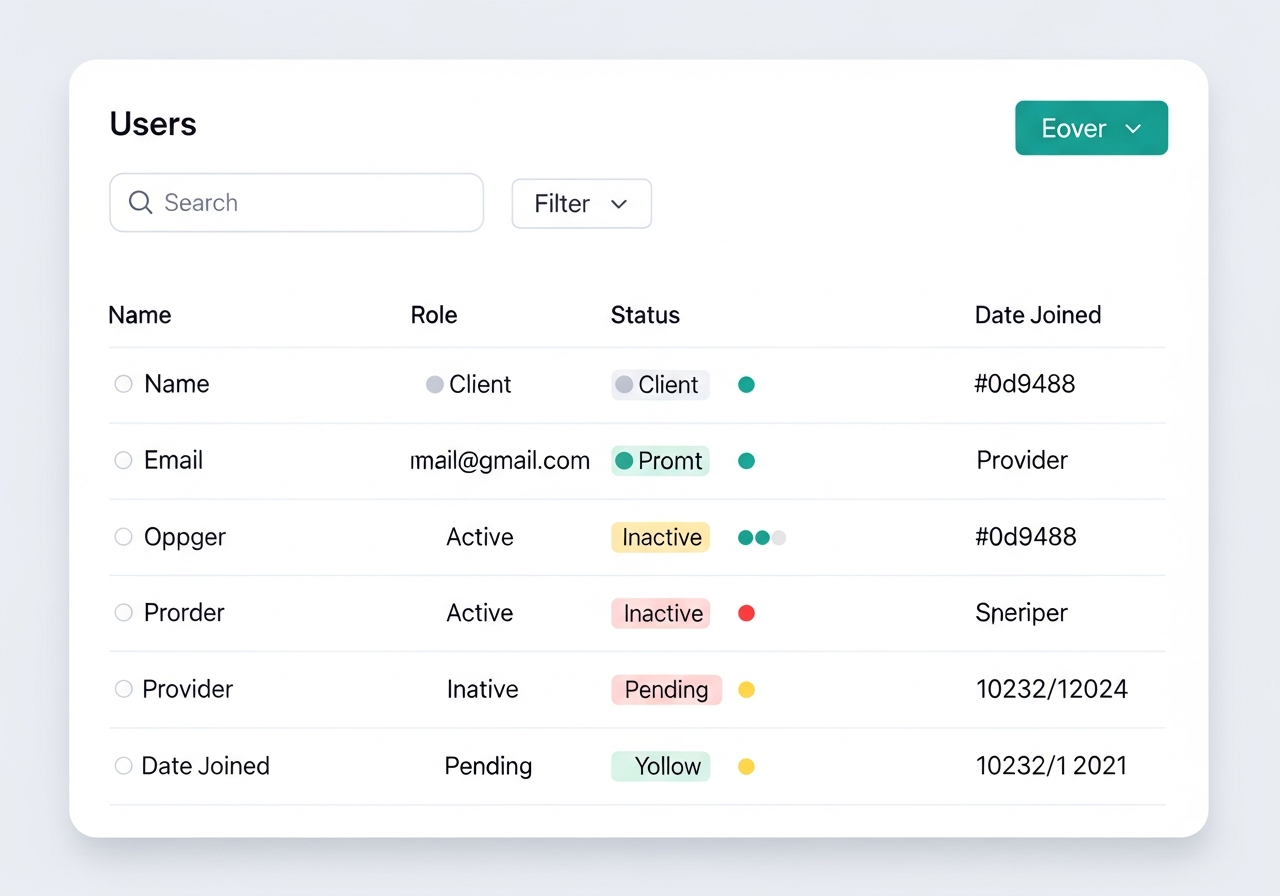
The Users tab shows all registered clients and providers. You can search by name or email, filter by role (client/provider), and view detailed profiles.
Provider verification
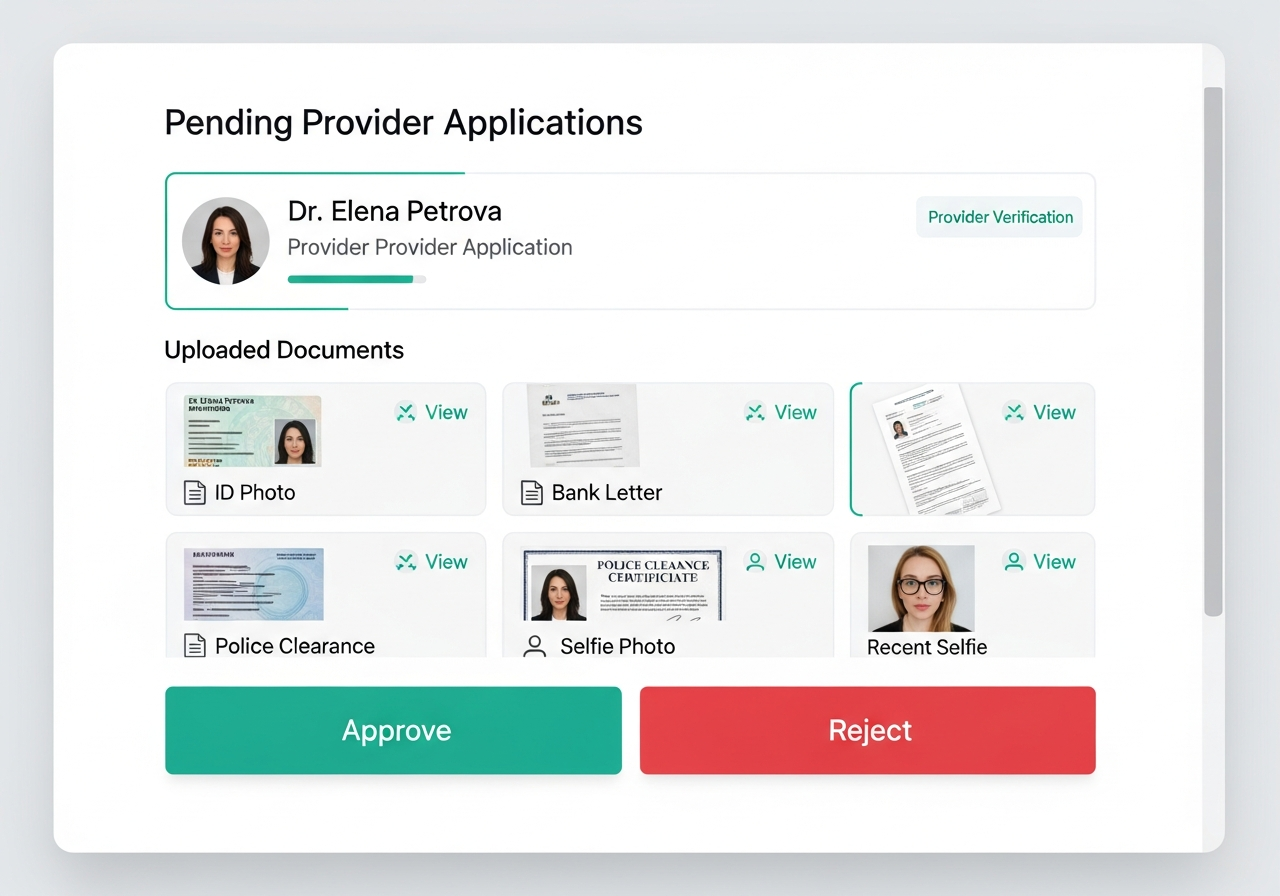
The Verifications tab shows all pending provider applications. Review each uploaded document (ID, bank letter, selfie) and the background-screening result. Approve or reject with a reason. Providers are notified immediately.
Tip: Check that the selfie matches the ID photo. This is the most common fraud vector.
User actions
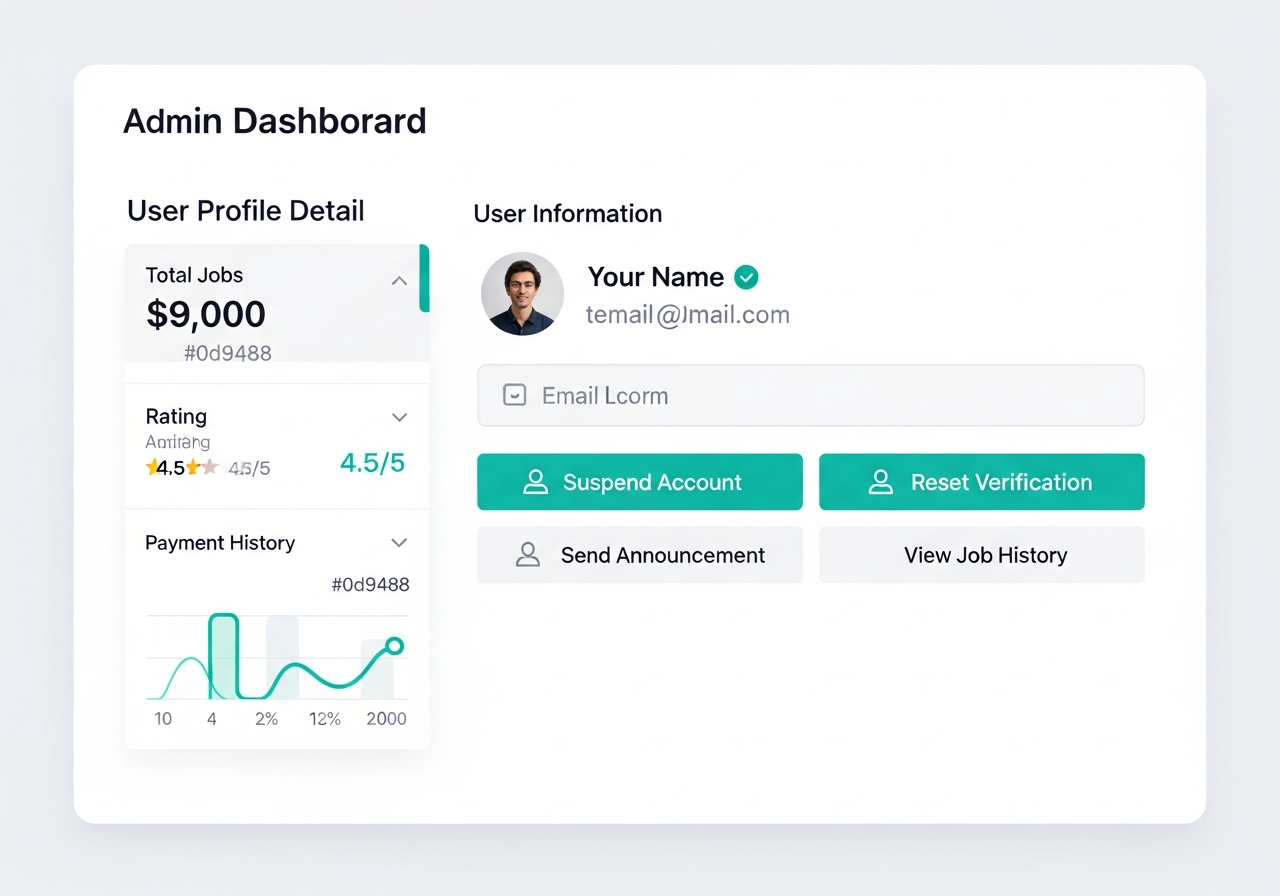
From any user profile, you can: suspend accounts, reset verification status, send announcements, view job history, and check payment records. All actions are logged in the Activity Log.
Activity log
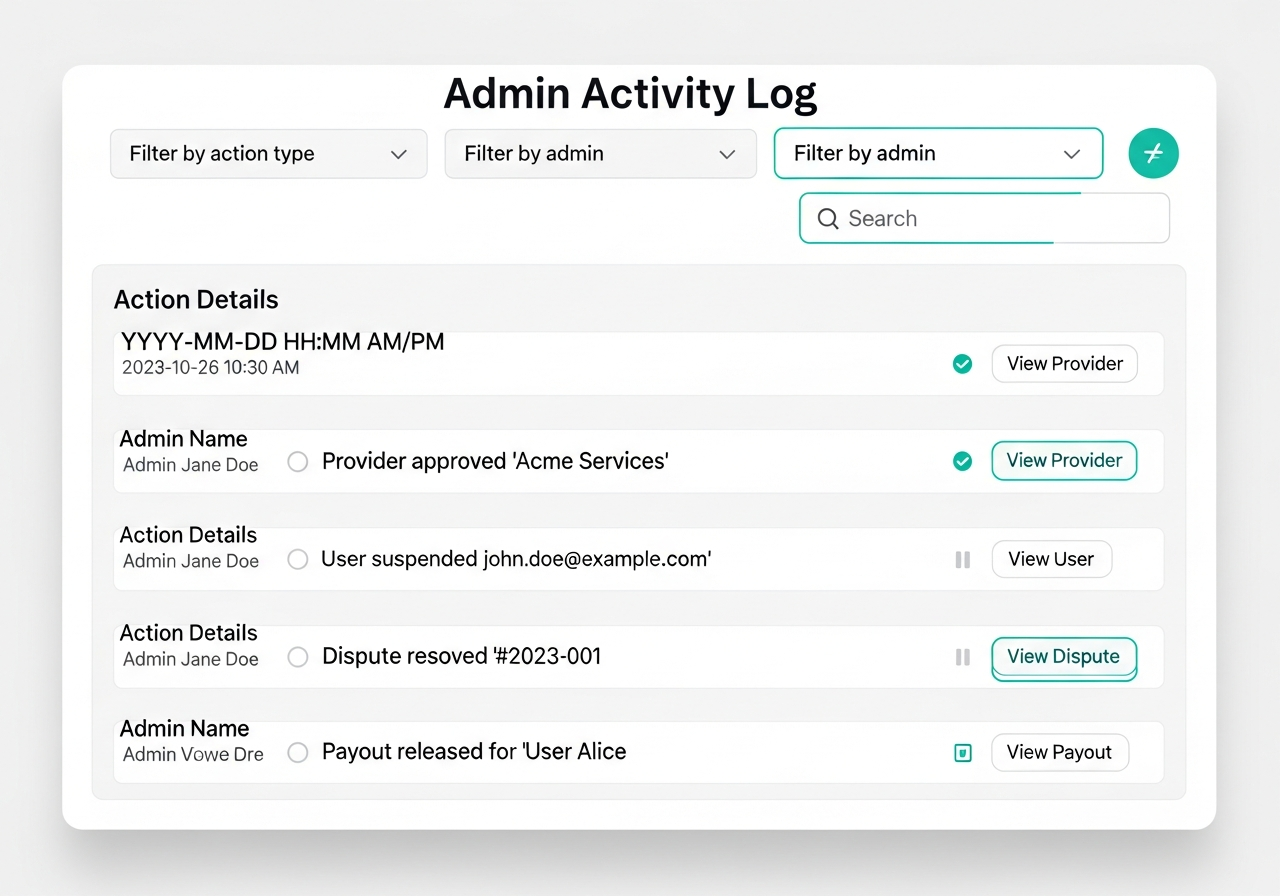
Every admin action is recorded: user approvals, suspensions, dispute resolutions, payout releases, and system changes. This provides a full audit trail.