Analytics Dashboard Guide
Understanding platform analytics, growth metrics, and reporting.
Overview dashboard
The main Overview shows key metrics: total users, active jobs, revenue, completion rate, and growth trends. Use this for daily platform health checks.
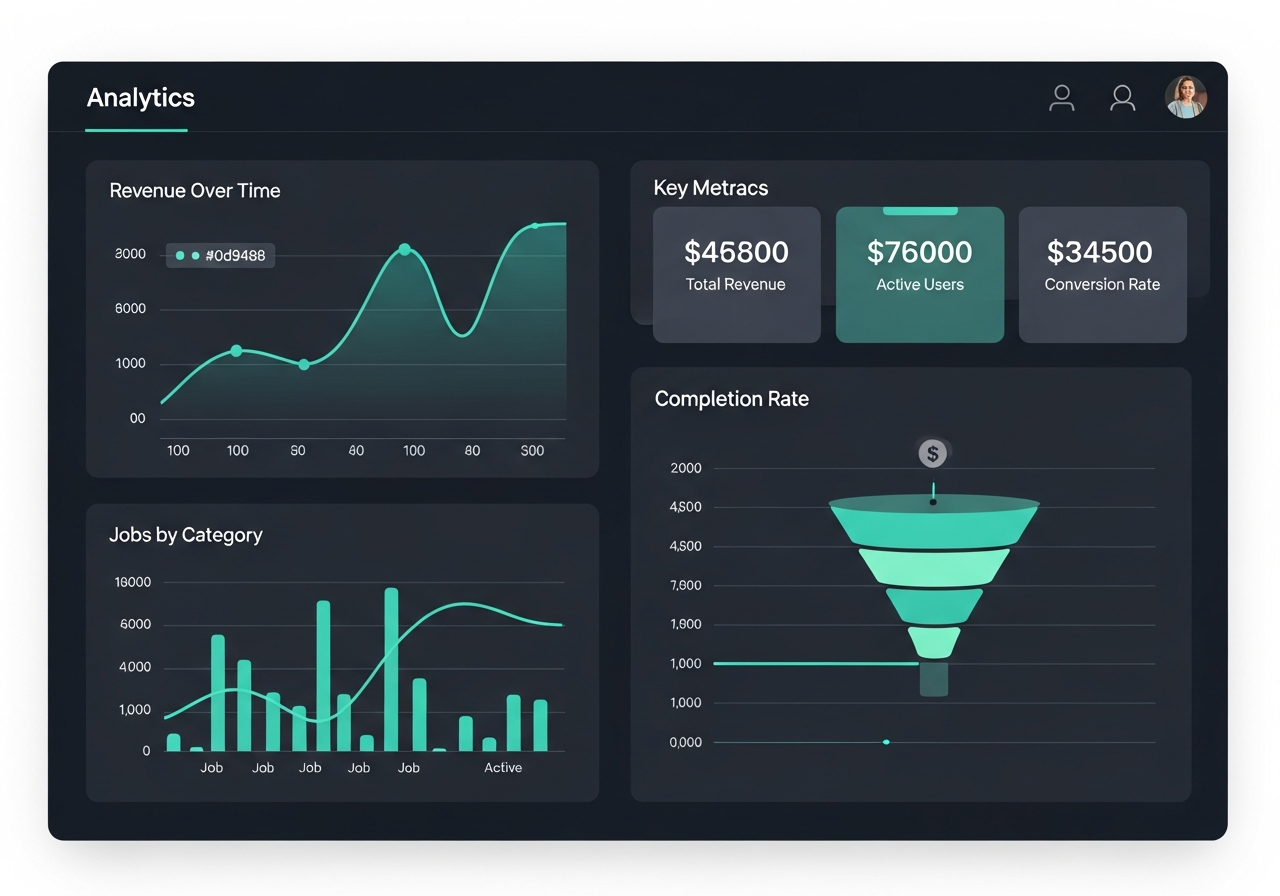
Analytics V2
The advanced Analytics tab shows geographic distribution, funnel analysis, revenue trends, and user segmentation. Use this for strategic planning and investor reporting.
Growth Analytics
The Growth tab tracks landing page performance: page views, CTA clicks, conversion funnel, traffic sources, and device breakdown. Use this to optimise your marketing spend.
Tip: Check Growth Analytics weekly to see which marketing channels bring the most sign-ups.
Exporting data
You can export users, jobs, and revenue data as CSV files from the respective tabs. Use the download buttons in the top-right of each section.