
For Admins 3 min read
Monitoring Bookings and Jobs
Track all jobs, their status, and intervene when needed.
1
Jobs overview
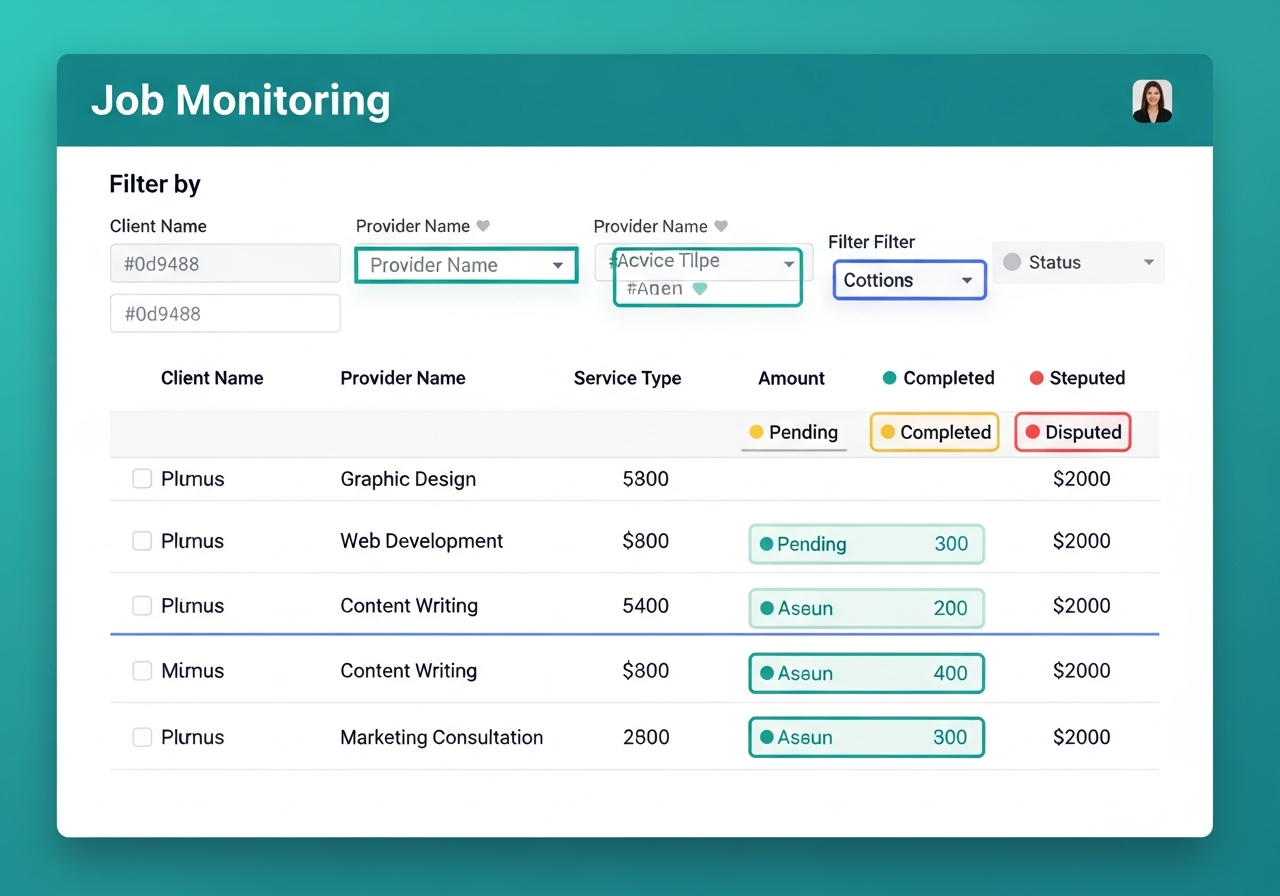
The Jobs tab shows all platform jobs with status filters: Active, Pending, In Progress, Completed, Disputed, and Cancelled. You can drill into any job for full details.
2
Monitoring active jobs
Keep an eye on jobs that have been "In Progress" for longer than expected. Check if there are communication issues between client and provider.
3
Quote requests
The Quotes tab shows all quote requests and their matching status. You can see which providers were matched and whether quotes were accepted.
4
Intervening on jobs
If a job is problematic, you can: cancel it, reassign it, adjust the amount, or escalate to dispute. Always document your reason in the activity log.
Video Walkthrough